
Organise the contents around the buyer's search
As a range grows, its catalogue can inherit internal folders organised by department, development batch or historical names. Employees may understand the structure, while a new buyer does not. A catalogue should help an external reader move from a need to a product group and then to comparable models.
Use a few real selection tasks to establish whether customers start with use, category or specification. If they first look for a charger, do not require them to learn every series name before finding one. Include products with several uses and unusual models in the trial; a structure tested only on the neatest group may fail when the full range is added.
Categories and series answer different questions
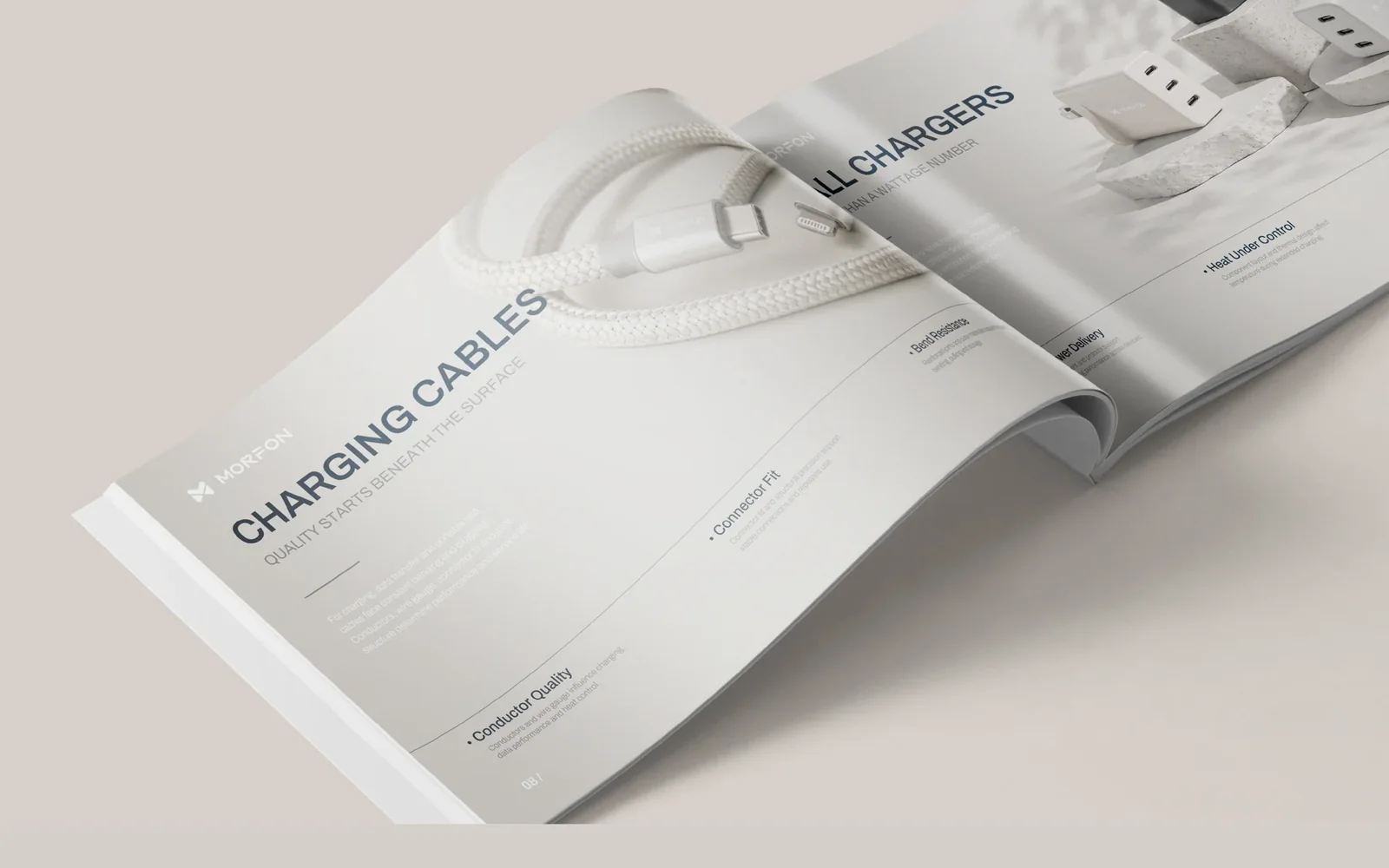
MORFON separates seven product categories from its SIGNATURE, CORE and ESSENTIAL series. Categories identify the kind of product; series help explain its tier. Mixing use and tier at the same level can leave readers unsure whether they are choosing a product type or comparing levels within one. Both relationships can exist if the route between them is clear.
The useful principle is a clear hierarchy, not the three English names. Other brands need not adopt the same series system. Establish real differences in configuration, purpose or other confirmed characteristics before deciding whether series are useful. Additional names can make selection harder when the documentation cannot explain the differences.
Give model pages a stable set of fields
Once the structure is clear, establish recurring fields for product name, model, purpose, main difference, key specifications and matching images. A stable order makes comparable products easier to review. It does not mean forcing identical word counts or inventing a benefit to fill a field that does not apply.
Beyond its brand catalogue, MORFON has separate product-page templates for the three series, with defined places for series, models, benefits, details and parameters. New products can reuse the structure but still need their own documentation. Missing specifications should be checked with the product owner, not copied from a nearby model or inferred from a photograph.
Assign images a clear identification or explanation role
A main image identifies the product, a detail image explains construction or a difference, and an application image illustrates a situation. Choose them around the buyer's questions rather than placing one of each on every page. Another similar overall photograph adds little when the reader still cannot see an important connector or component.
Link each image to the correct model and identify whether it is a product photograph, a detail or an application rendering. A shared illustration should not imply identical appearance across every specification. Matching images to information fields before layout often reveals missing material earlier than searching for pictures after the pages are finished.
Test the contents and detail pages together
Build a trial with both ordinary and unusual models. Ask someone outside the layout team to find a category, select a model, compare two options and identify remaining questions. Missing parameters and unclear classification are different problems. Treating both as visual issues makes it harder to fix the cause.
For print, check page numbers, spreads and text at actual size. For digital use, also check contents links, return navigation and the viewing device. Small type that looks orderly on a desktop may be unusable in a PDF on a phone. Adjust density or provide suitable online model information instead of continually shrinking the text.
Keep the update process connected to product records
Models, images and specifications continue changing after publication. Keep an information table traceable to product records, identifying who confirms changes, which pages are affected and when the version was updated. Complete the fields before adding a model to the layout, and check both contents and detail pages when a product changes or is withdrawn.
A useful classification system reduces the effort of finding and maintaining information. Check whether buyers can reach a product from their needs, salespeople can explain differences, and new models fit the structure. Typography, spacing and image rhythm can then improve an already coherent reading experience.