
Organise around actual use
Editable sources, previews and production files serve different purposes. Identify what sales sends, operations uploads, designers edit and production receives. The agreed scope governs delivery. An editable file does not grant unrestricted rights to every font, image or third-party asset it contains. Clear purpose is more useful than another filename containing the word final.
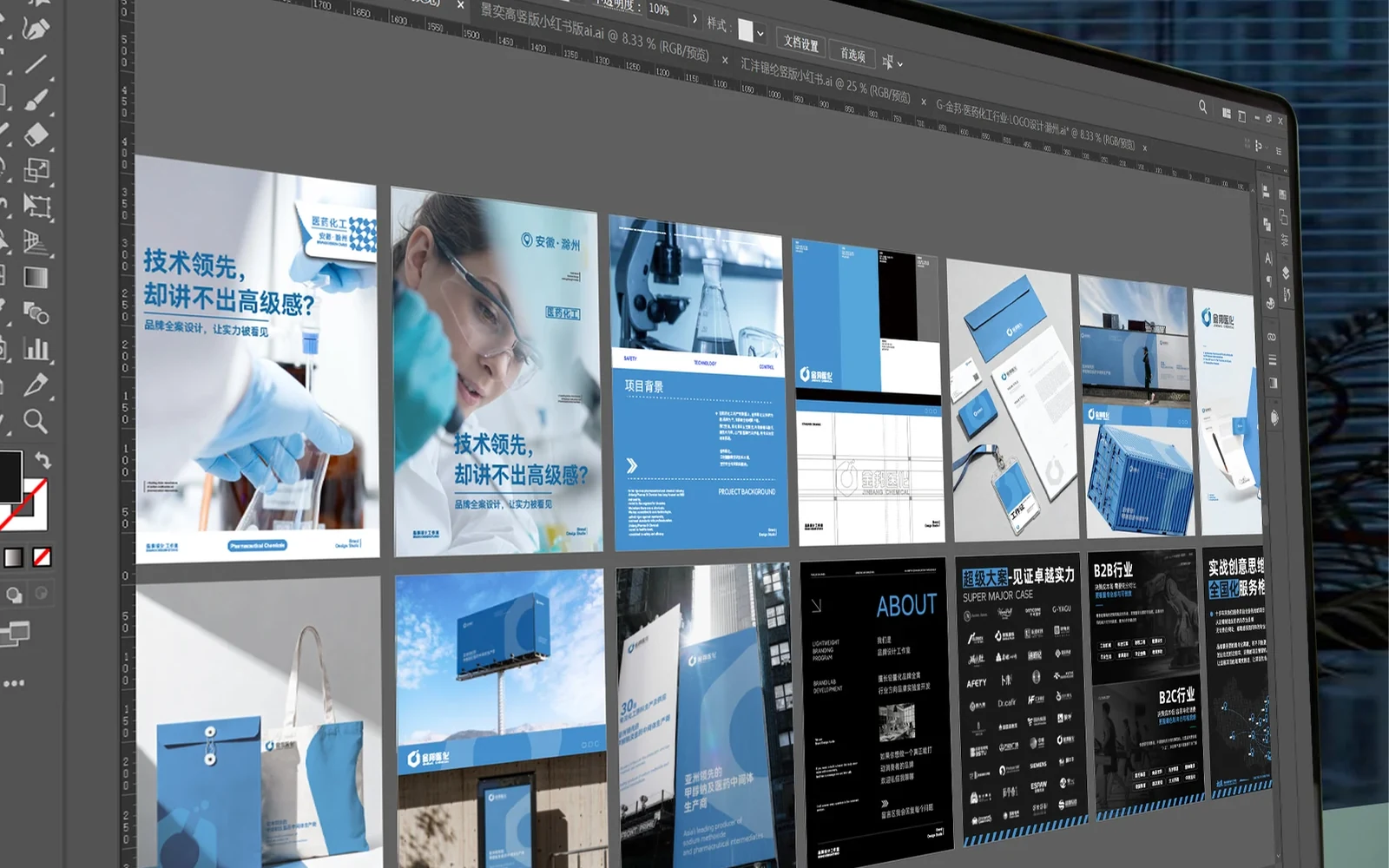
Group material into editable sources, review previews, channel-specific files and handover notes explaining content and use. Not every project needs all four; the agreed scope decides that. The point is to avoid guessing file purposes, sending a low-resolution preview to print or forwarding working files with editing marks.
Make the current version unambiguous
Keep history, but establish one clear current entry with its applicable product, date and approval scope. Do not leave obsolete files beside active ones and expect colleagues to remember which is correct. Check contact information, codes and specifications inside source files as well as public previews. Version control ensures that the materials in use belong to the same approval.
A simple index can identify the output, use, approval date and location. Use consistent names showing revision order rather than stacking “final” and “latest.” Distinguish mobile and print versions explicitly; they serve different purposes. Keep older revisions where agreed, while ensuring they are not the default files people send.
Explain what can change
Mark fields such as approved product images or dates that can be updated within existing rules, and identify changes requiring review. A cover replacement affects crops and text safety across sizes. Content beyond a layout’s capacity should not be solved by endlessly shrinking type. Include a practical example so operators understand when reuse is appropriate and when design work is needed.
Demonstrate a common update. After changing an event date, check the heading, registration details, QR-code destination and English date, then review mobile output. Show verification, not only which button to press. Replacement fonts, photographs and icons need permission checks. Opening an editable file does not establish redistribution rights for every third-party asset.
Bring usage feedback back to the files
When sales reports a large or unreadable file, or operations finds a poor phone crop, record the channel, filename and conditions. Fix the relevant output rather than sending a one-off image in chat while leaving the official entry unchanged. Check every reference after replacement. The handover becomes more useful when real usage feedback improves the maintained version.
Identify the affected output. A file too large for chat may need a smaller sending version while the high-quality original remains available. A platform-specific crop should be fixed in that version, not imposed everywhere. Update the index and explain the changed use. This creates purposeful files rather than an expanding pile of temporary attachments.
Run a handover rehearsal
Ask operators to find upload files, sales to find the sending version and designers to find sources and asset notes. Repeated questions about which file to use reveal gaps in the handover. Test the agreed use without assuming compatibility with every third-party application or device, then update the instructions.
Give the recipient only the handover entry point and observe whether they can find, open and send the right file without spoken help. Add missing fonts, links or unclear editable areas to the notes or action list. Record new out-of-scope needs separately. Usability means completing the task, not merely uploading an archive or matching a file count.